WFC Lab
WFC Lab is a Godot-based laboratory for building Wave Function Collapse-style generators from image examples. Load source images, divide them into tiles, inspect the learned parts and adjacency rules, then synthesize a new image from those constraints.
The current end-to-end workflow is deliberately transparent: every intermediate result—from the imported source and decomposition settings to parts, constraints, and synthesis output—can be examined and adjusted in the application.
Core Idea
- Learn From Examples: Break source images into reusable tiles and record how those tiles occur beside one another.
- Inspect the Model: Browse parts, adjacency constraints, occurrence evidence, weights, and per-item enablement before generating.
- Generate Step by Step: Run an observe-and-propagate tile-collapse solver interactively or to completion, with seeded and restartable runs.
[Current Status: Active Development]
The first complete pipeline—image import, grid-tile decomposition, adjacency extraction, and WFC-style synthesis—is implemented and under active iteration.
Download WFC Lab 0.1.0:
Current Features
- Image Workspace: Load, browse, and preview source images used to train a generation run.
- Grid-Tile Decomposition: Configure tile size, stride, edge handling, duplicate-tile tolerance, and rotations or reflections.
- Adjacency Extraction: Learn cardinal or eight-way tile relationships, with optional directional and edge evidence.
- Parts and Constraints Editing: Inspect source occurrences; enable, disable, weight, and merge learned parts; and edit learned constraints.
- Tile-Collapse Synthesis: Generate configurable output dimensions through an interactive or batch WFC-style collapse session.
- Project Files: Save and reopen image references, run settings, and edits as JSON project data.
Media
These screenshots follow a run from selecting an example image, through tile and constraint inspection, to generated output. Select an image to view it at full size.
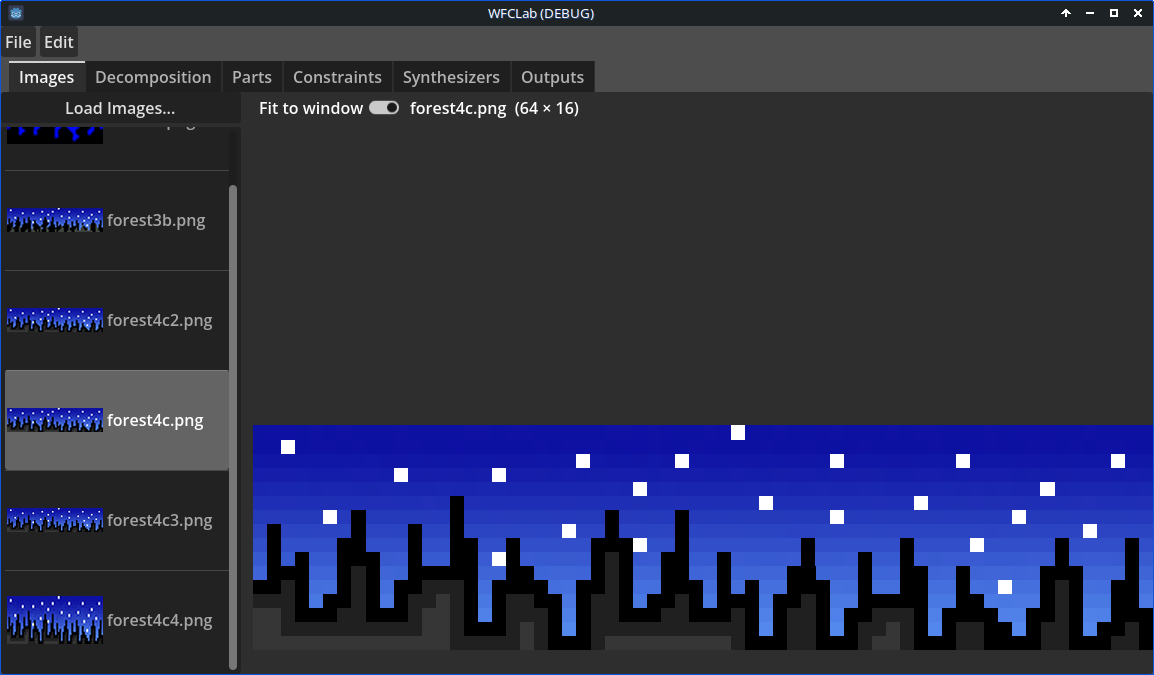 Choose and preview source images.
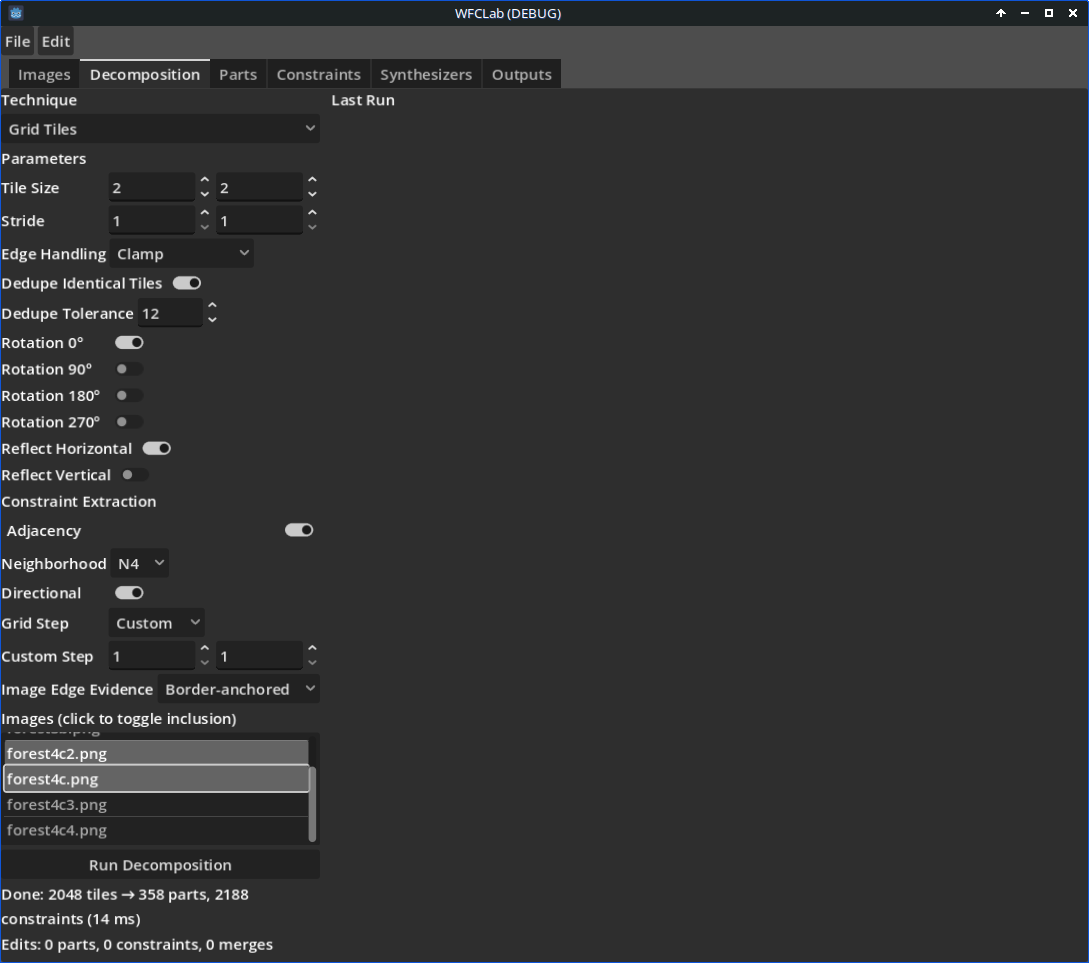 Configure grid-tile decomposition and transforms.
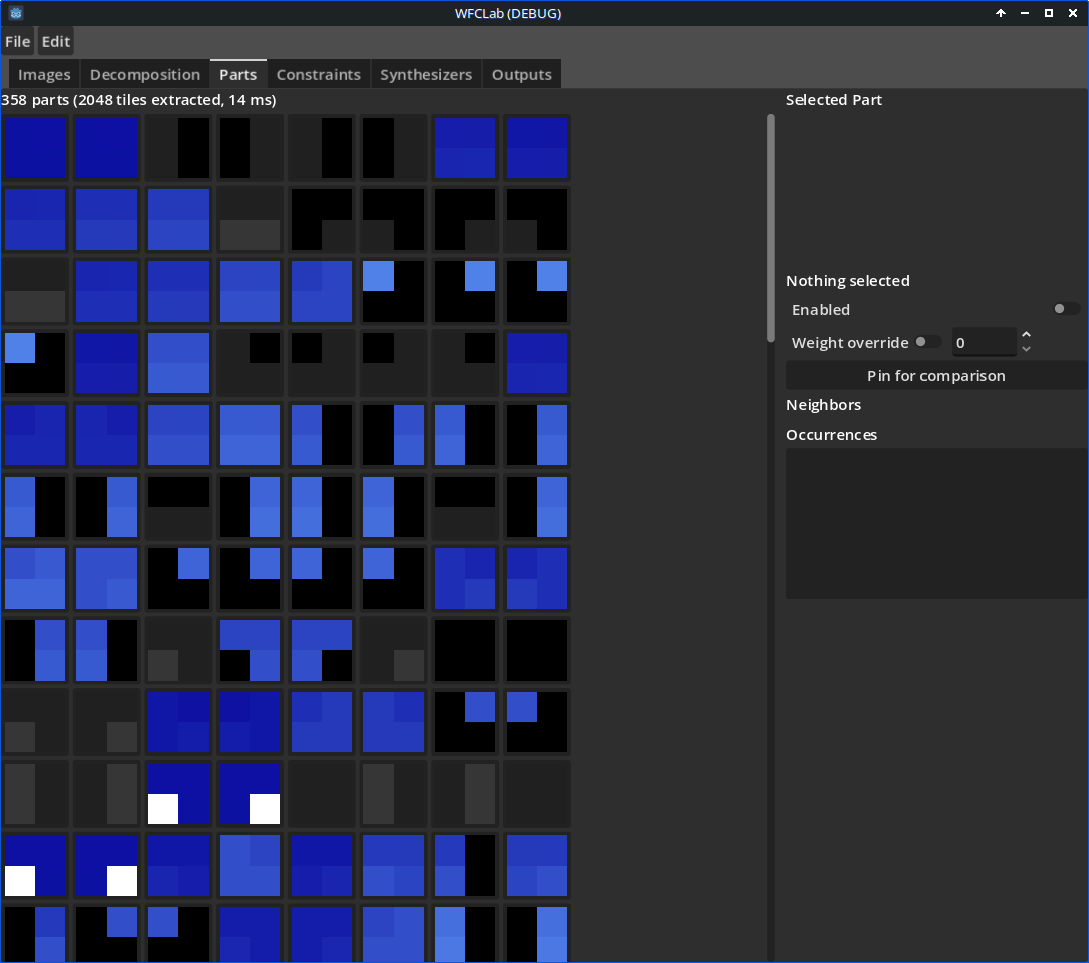 Inspect the extracted tile library.
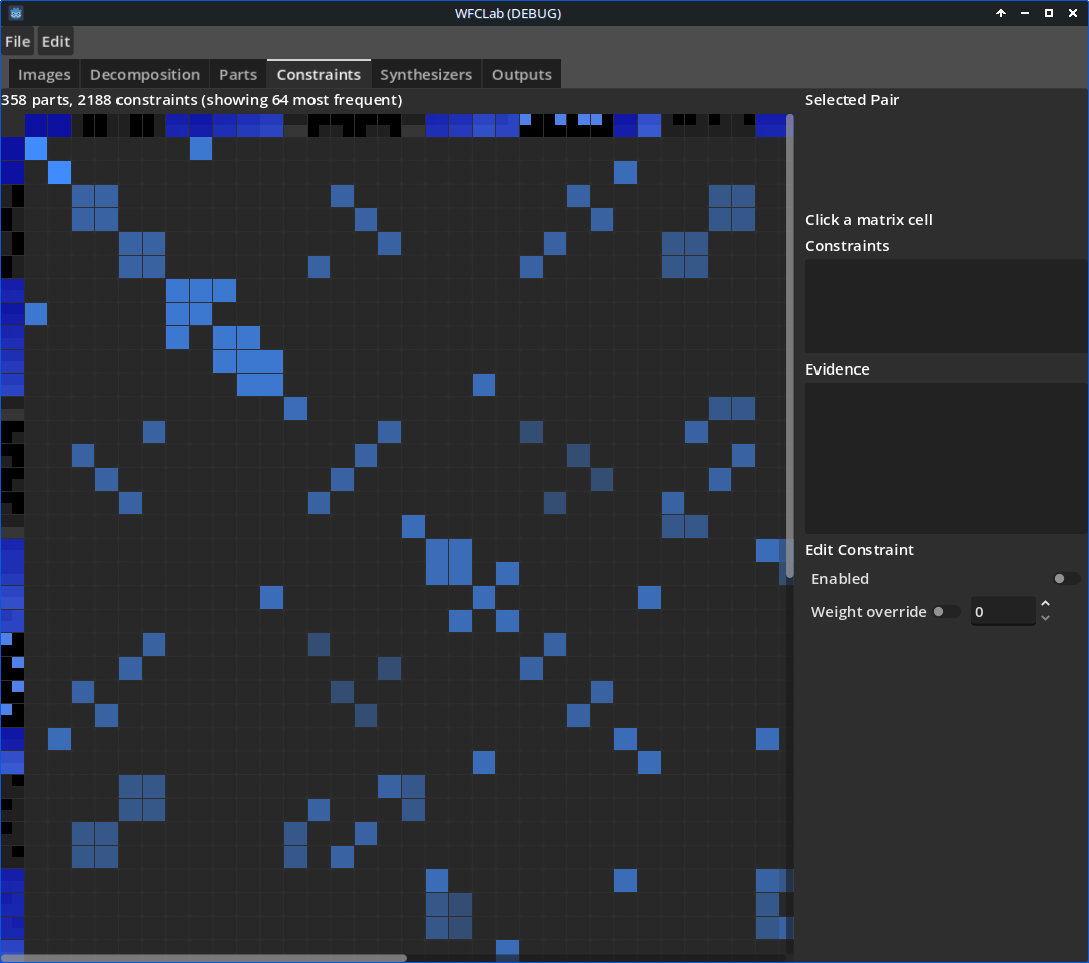 Review learned adjacency constraints.
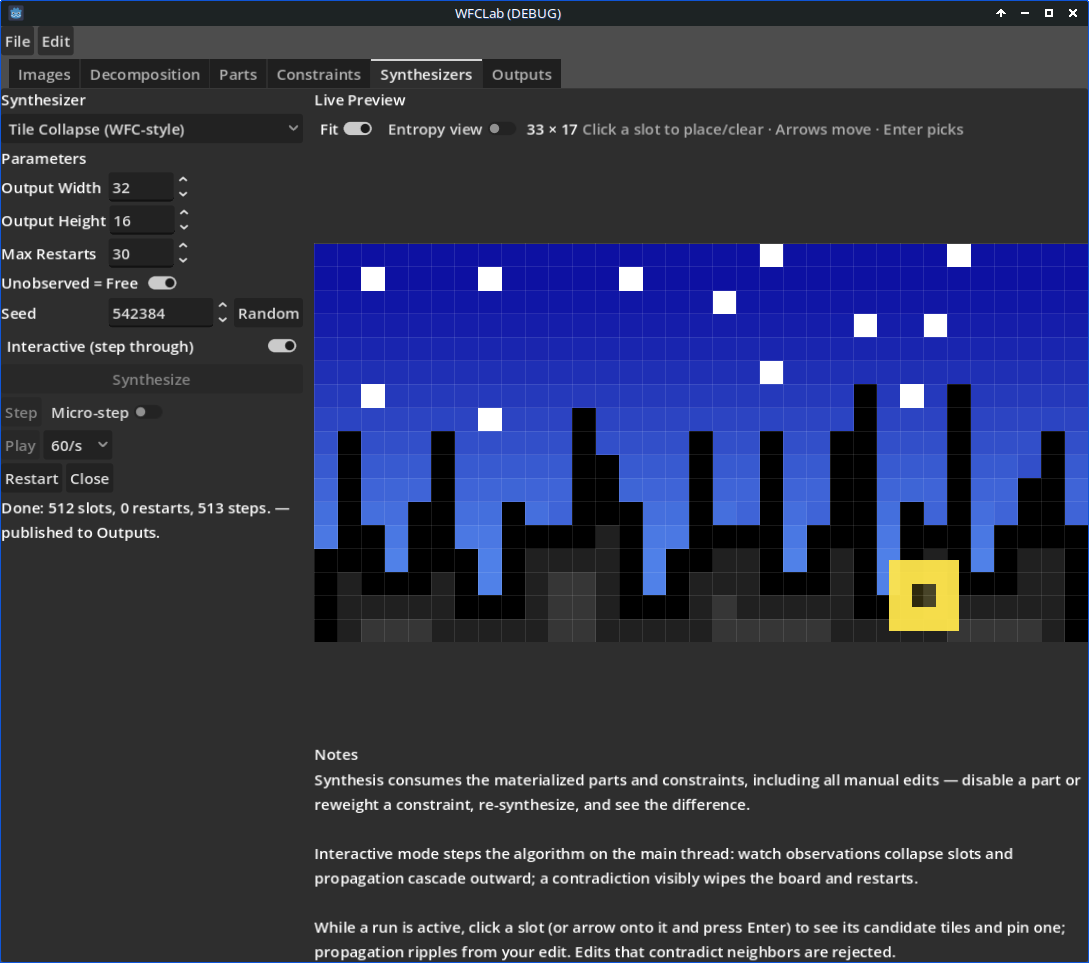 Start and step through tile-collapse synthesis.
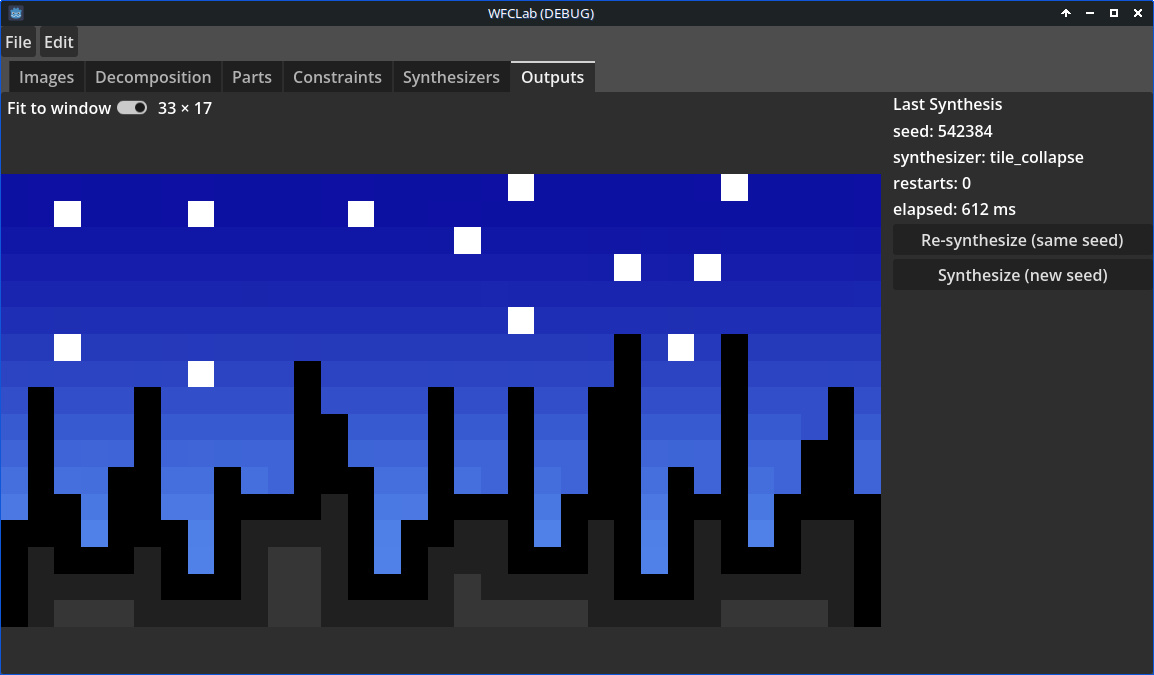 Completed synthesized output.
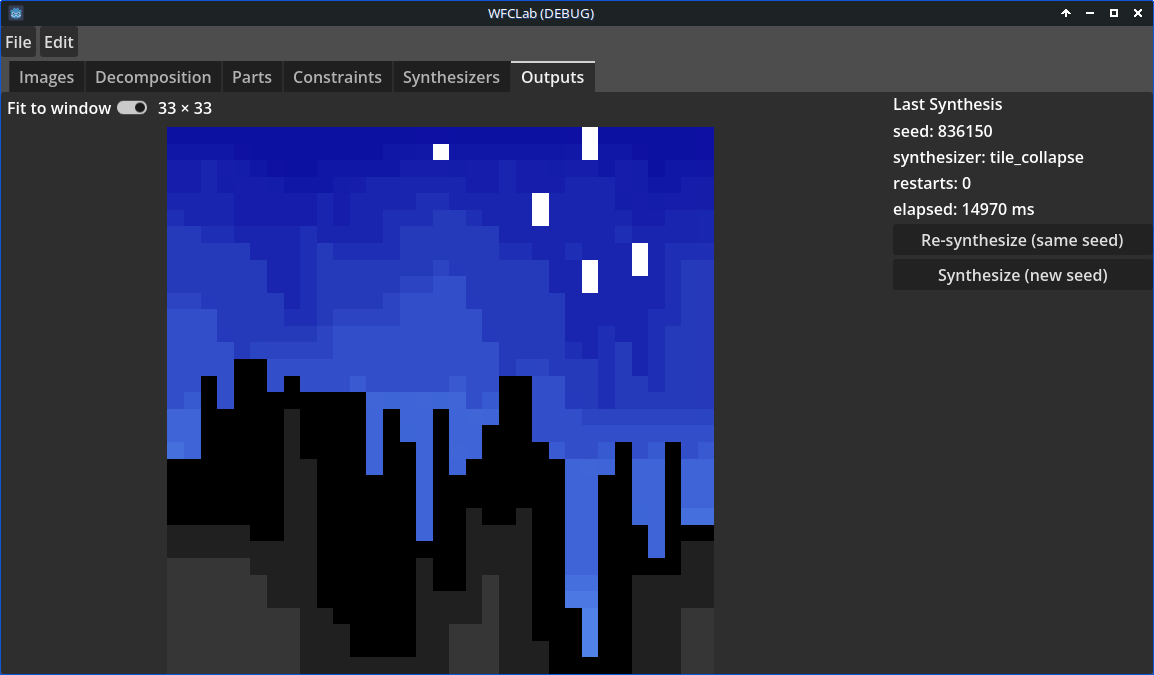 Another result from a slightly different learned model.
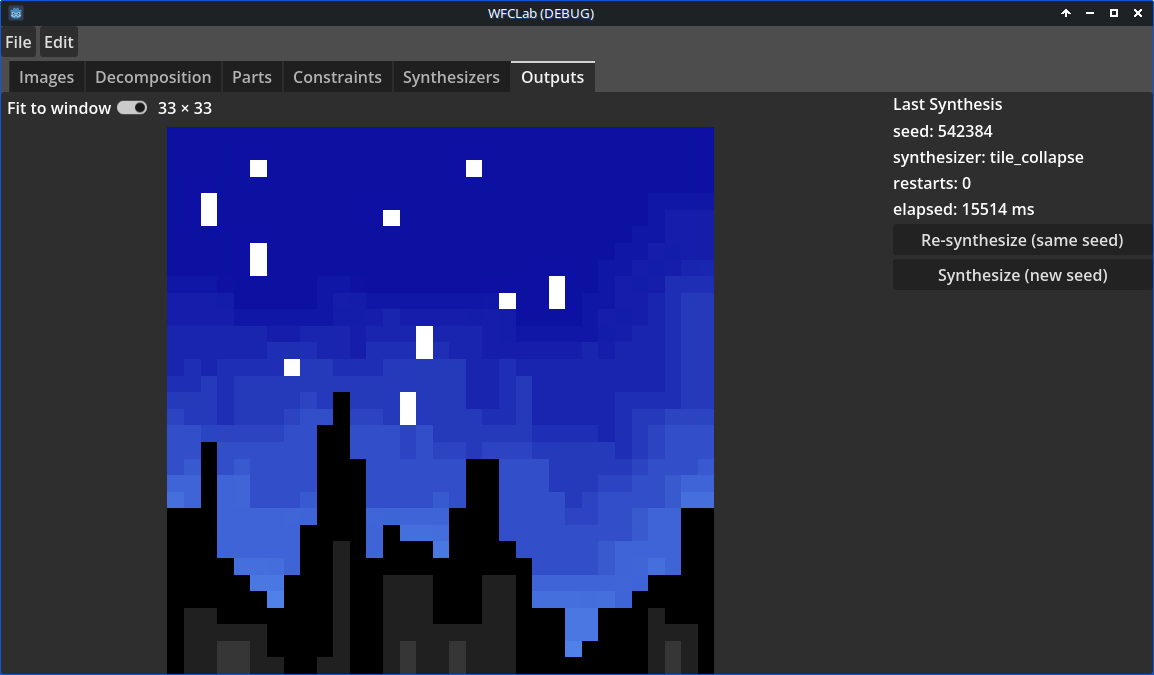 Varied output generated from the example tiles.
Current Status
- Working Vertical Slice: The application can progress from imported images to a synthesized result using grid tiles, adjacency constraints, and tile collapse.
- Research Tool: The interface emphasizes visible data and experimentation over a polished end-user authoring workflow.
- Early Solver: The tile-collapse synthesizer restarts after a contradiction; backtracking and more sophisticated generation controls are still future work.
Future Plans
- Additional Techniques: Add more ways to decompose images and extract constraints beyond the current grid-tile and adjacency approaches.
- Richer Synthesis: Improve generation controls and solver behavior, including backtracking beyond restart-on-contradiction.
- Better Analysis Views: Expand visualizations for parts, constraint relationships, source evidence, and output progress.
- Workflow Polish: Continue strengthening persistence, editing, and run-management tools for repeatable experiments.